Custom AI Agents
Agents scoped to defined tasks and connected to business context, APIs, application data, and controlled workflow actions.
Digital Sensei designs AI agents and automation around the way your business actually works by connecting models with software, APIs, data, roles, and operational systems.
AI is useful when a workflow needs to interpret language, work with unstructured context, support a conversation, or assist a judgment. It should augment dependable application logic instead of replacing it blindly.
We begin with the business objective, map the workflow and decision points, then choose AI, deterministic automation, or a deliberate combination of both.
The solution may be an agentic workflow, an AI-assisted step inside existing software, or straightforward automation with no model involved.
Agents scoped to defined tasks and connected to business context, APIs, application data, and controlled workflow actions.
AI-assisted classification, routing, summarization, content handling, and workflow progression with deterministic controls where needed.
Text-based, context-aware interactions for guided assistance, qualification, information gathering, and service workflows.
Coaching, analysis, assistance, and workflow features inside dashboards, operational tools, and established SaaS products.
Controlled use of approved business information, application data, structured instructions, and workflow context.
Models connected through backend APIs to notifications, third-party services, databases, and existing business platforms.
Synqro.ai and HeyLibby demonstrate AI connected to real software and services. The remaining projects are explicitly non-AI examples of the business rules, state changes, notifications, and scheduled processes that effective automation still depends on.
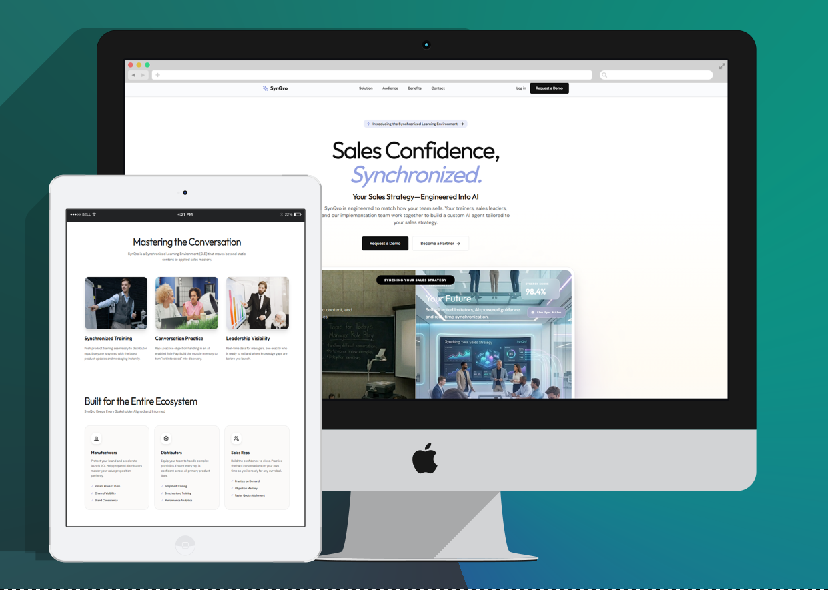
A React, NestJS, and PostgreSQL sales training and enablement SaaS that brings together AI conversation practice, coaching workflows, readiness and performance visibility, and reporting. Conversational and voice workflows integrate with Retell AI while backend APIs and structured product logic manage the wider experience.
AI SaaS • Conversational Workflows • Coaching • APIs • Reporting
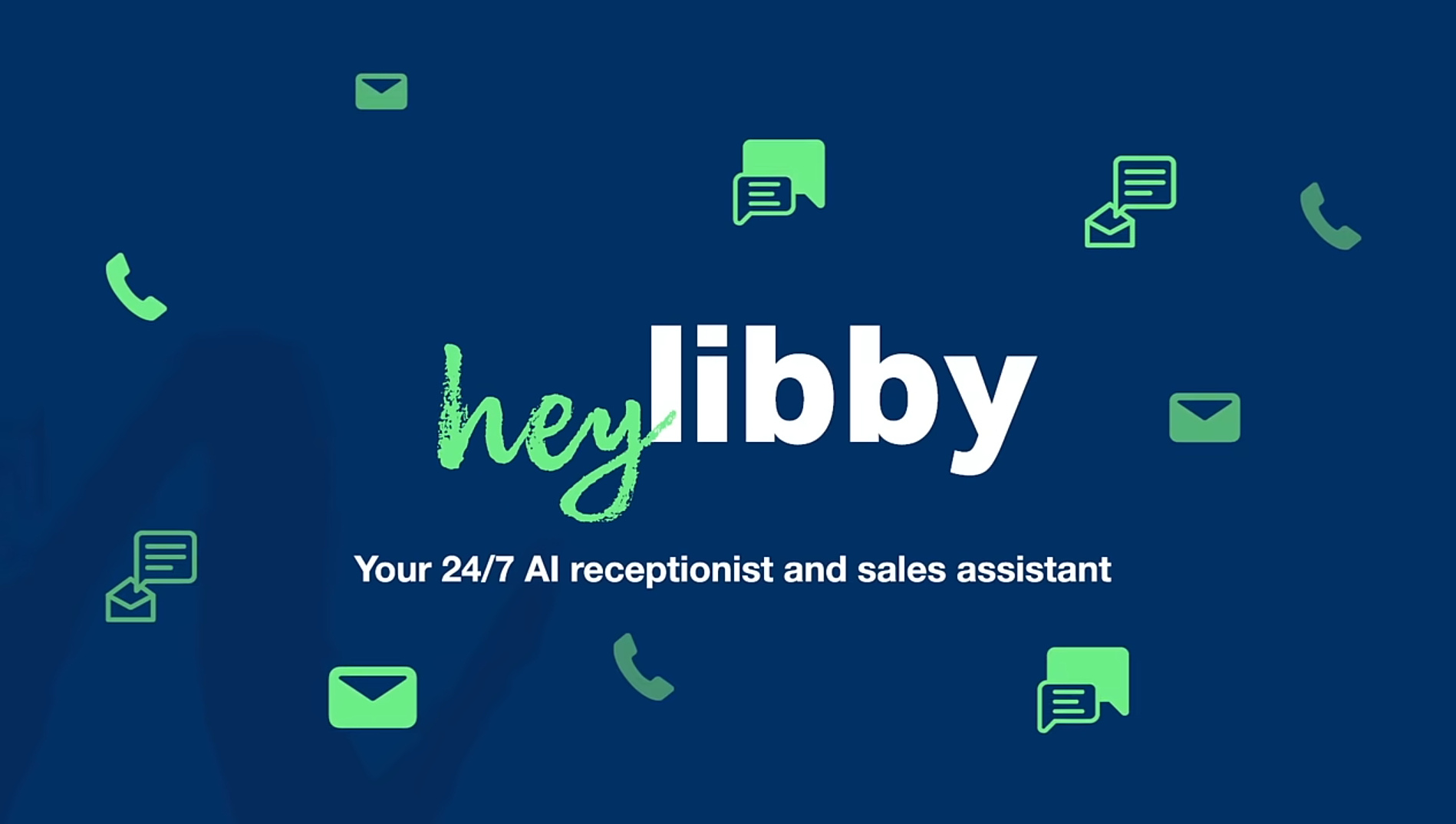
An AI voice agent and virtual receptionist connecting phone conversations to service answers, requirements gathering, lead qualification, booking, multilingual workflows, and human handoff. It orchestrates Twilio Media Streams, OpenAI, Deepgram STT, and ElevenLabs TTS around the business process.
OpenAI • Workflow Automation • Qualification • Booking • Integrations
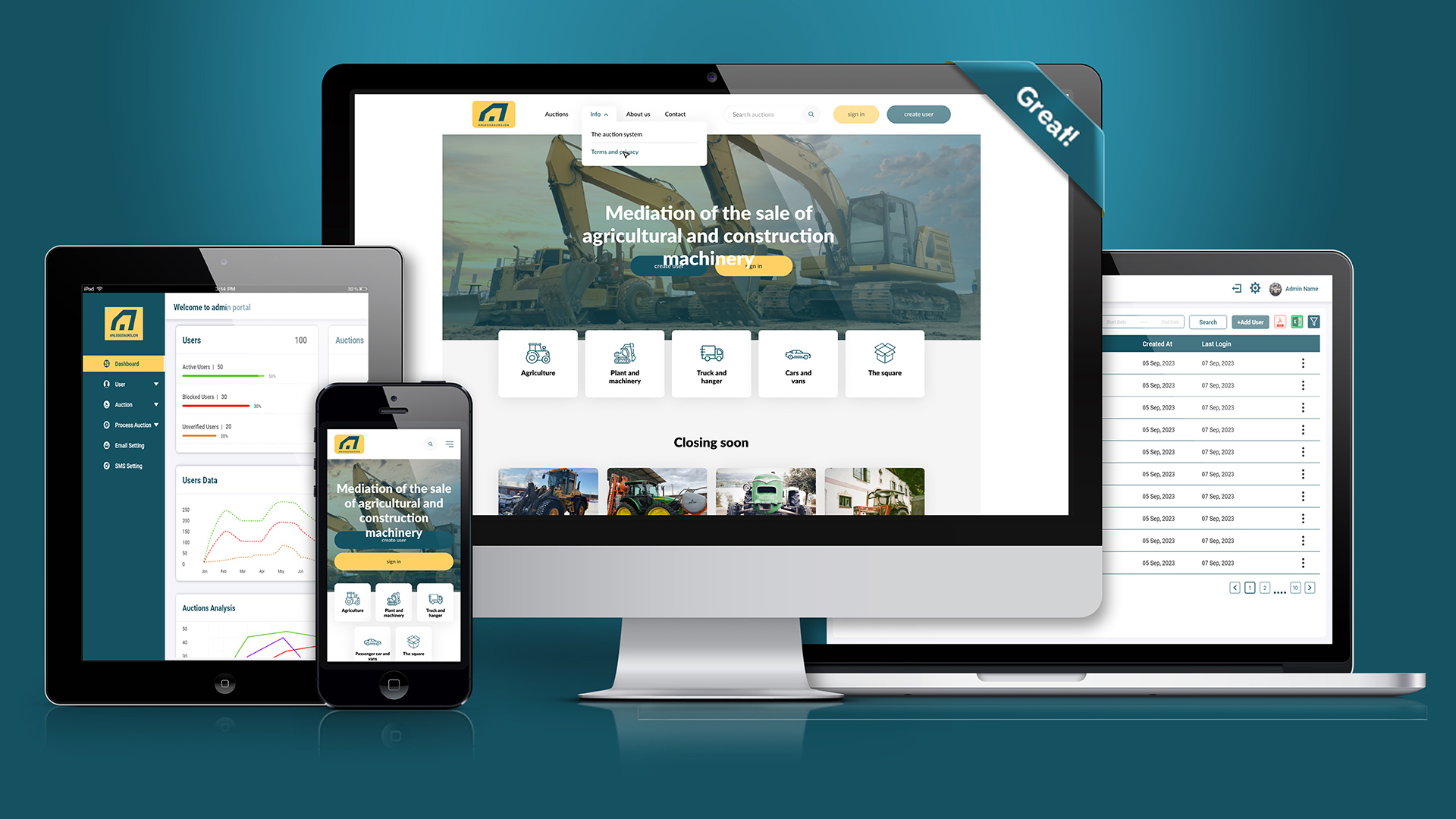
Anleggsauksjon is an operational equipment auction platform serving the Norwegian market. Its configured forms, bidding and auto-bidding rules, outbid notifications, highest-bidder handling, and commission processes demonstrate deterministic workflow automation rather than AI.
Workflow Automation • Business Rules • Notifications • Marketplace Logic
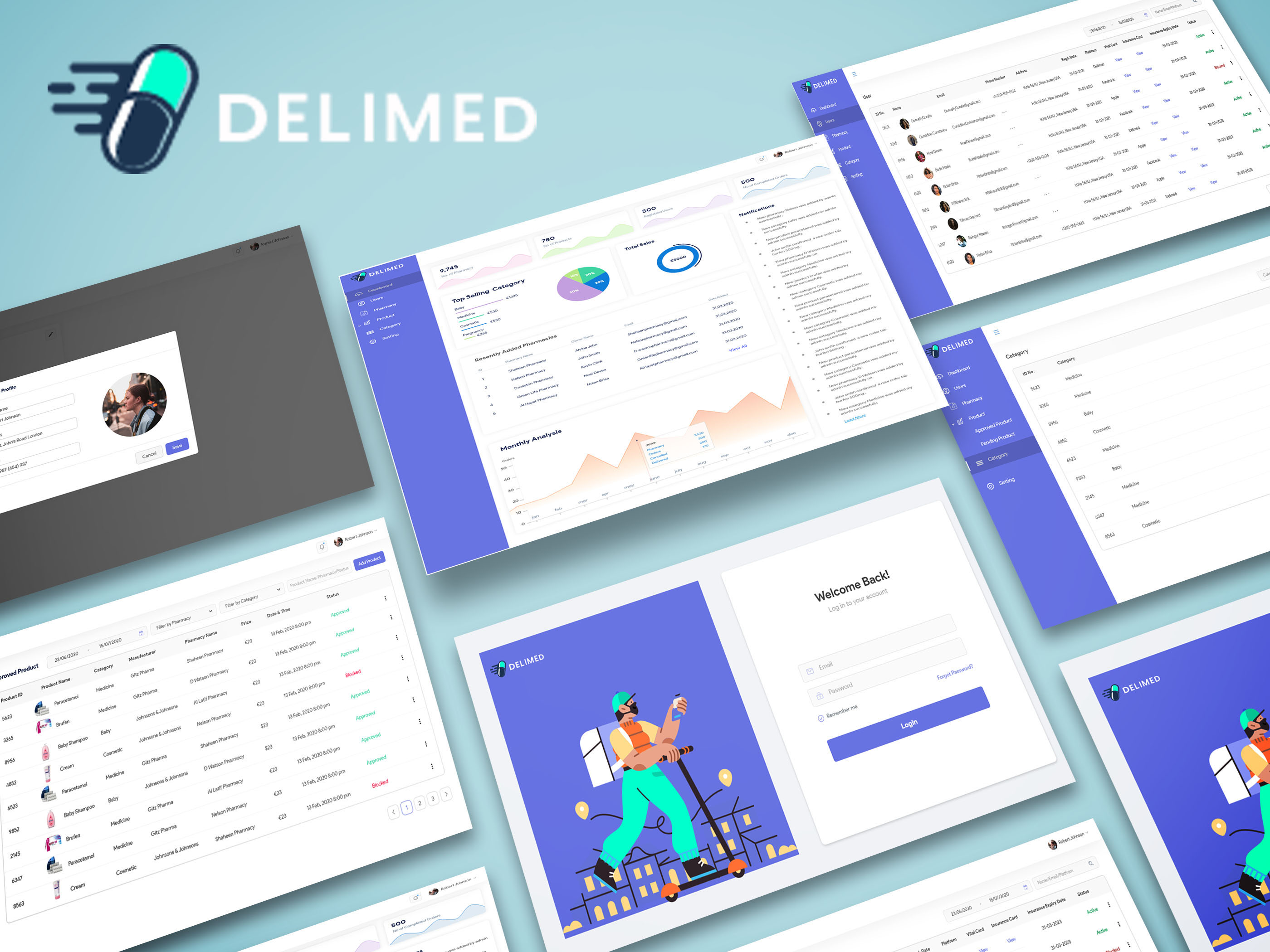
A Paris MERN web and mobile medicine-ordering platform coordinating customer, pharmacy, and administrative roles. Approval flows, pharmacy pricing, Stripe capture after customer approval, and pickup or delivery are governed by application rules and order states.
MERN • React Native • Stripe • Multi-role Workflow
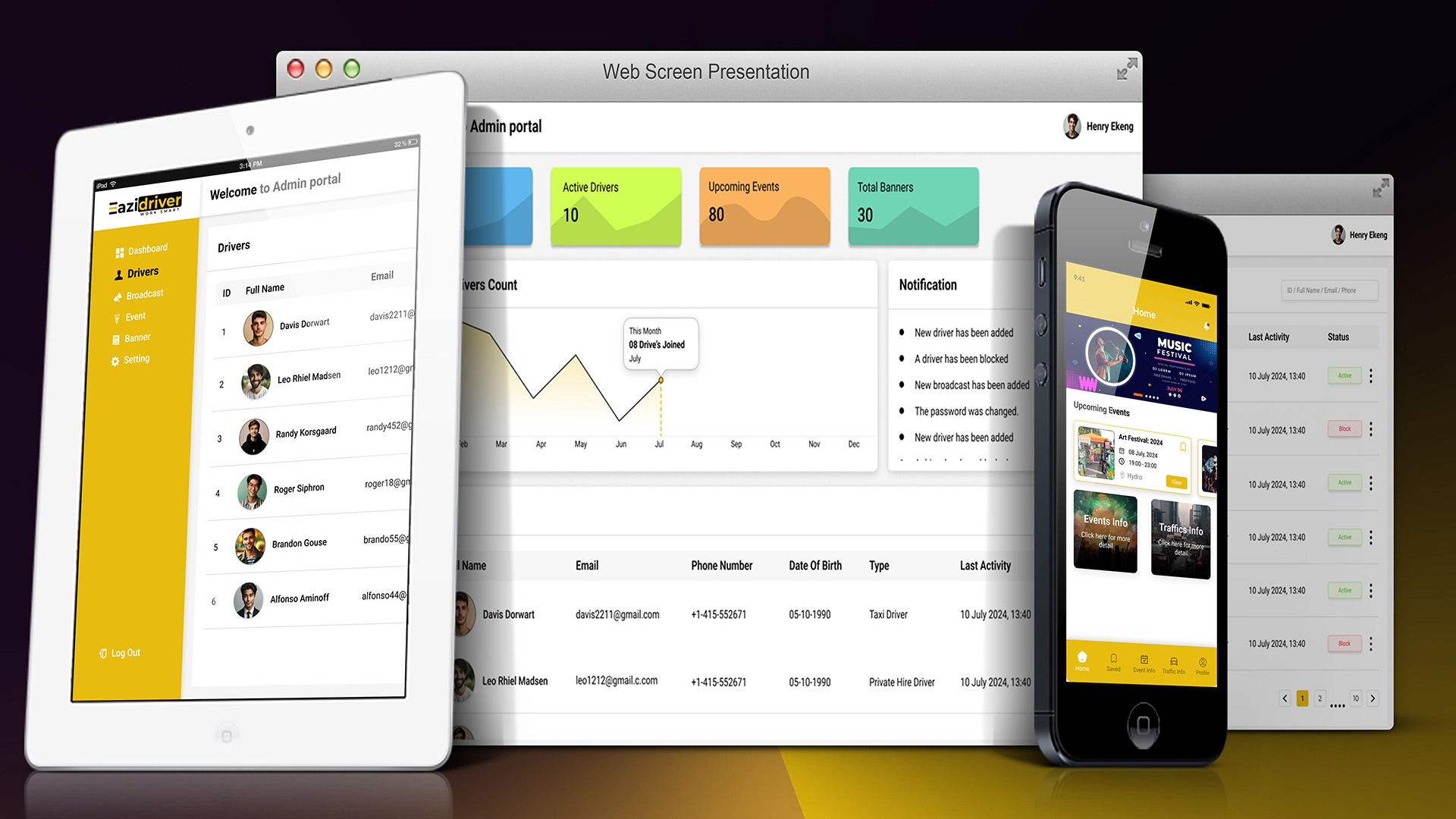
A Glasgow taxi-driver React Native application that aggregates event and road-closure data, refreshes it through scheduled processes, and supports favorites and notification workflows. It shows how useful automation can be driven entirely by data and business rules.
Data Aggregation • Notifications • Scheduled Updates • Business Rules
The exact architecture depends on the product. A typical AI agent implementation moves through layers like these, with the application retaining control over permissions and critical rules.
Text, application events, business data, or external requests start a defined workflow.
Product data, user roles, approved information, workflow state, and structured instructions shape the task.
OpenAI and ChatGPT, Claude, Gemini, or another suitable model interface handles the bounded language or reasoning step.
Node.js, NestJS, REST APIs, validation, and workflow logic determine what the software may do next.
PostgreSQL, MongoDB, notifications, payments, telephony, business platforms, and third-party APIs provide or receive data.
The result may be a response, classification, workflow update, notification, handoff, or recommended next step.
Reliable business automation often combines both. The model handles ambiguity; the application enforces the rules that should not be ambiguous.
Digital Sensei works with OpenAI and ChatGPT, Claude, and Gemini integrations. Selection depends on required capabilities, latency, context, integration constraints, cost, and the wider product requirements; no single model is universally best.
An existing SaaS product, React or Next.js application, React Native app, Node.js or NestJS backend, admin portal, or workflow system can gain a focused AI capability without turning the whole product into an AI experiment.
Understand the current workflow → identify a useful AI intervention → integrate incrementally → measure behavior → evolve.
An AI integration should not operate as an uncontrolled black box. Its scope, inputs, outputs, permissions, failure paths, and handoff points should be designed alongside the rest of the workflow.
Give the model a defined job, relevant context, and explicit limits instead of open-ended authority.
Keep permissions and important business rules in application logic, with input and output checks when needed.
Include review, approval, escalation, or handoff when a person should remain part of the decision.
Evaluate expected journeys, edge cases, failure paths, and how model behavior affects the complete application workflow.
Use suitable logs and operational visibility to investigate behavior and improve the implementation after launch.
Refine context, prompts, rules, and integrations as the product, provider landscape, and business process change.
Each stage keeps the AI behavior connected to real users, product rules, supporting systems, and measurable operating needs.
Understand the problem and determine whether AI, deterministic automation, or a combination fits the workflow.
Define inputs, context, decisions, actions, human handoff, and expected outcomes.
Choose models, APIs, data boundaries, backend integration, and control mechanisms.
Connect models to product workflows, APIs, data, and supporting services.
Test realistic scenarios, failure paths, workflow behavior, and application rules.
Release, observe behavior, and refine context, prompts, rules, and workflows.
Support can be fixed-term, ongoing, or flexible-resource based, depending on the product and operating needs.
Improve prompts, approved context, deterministic rules, handoffs, and workflow paths based on observed use.
Add integrations, product features, automation paths, backend changes, or provider updates.
Troubleshoot important workflows, maintain connected software, and help the implementation evolve with the product.
AI agent development works best when model behavior, traditional software, integration boundaries, and the real operating process are considered together.
We understand the objective and workflow before choosing where AI or conventional automation should intervene.
Real AI-enabled product experience is supported by MERN, Node.js, NestJS, API, database, SaaS, web, and mobile capability.
Senior technical involvement can span workflow design, architecture, implementation, QA, deployment, and post-launch evolution for international product teams.
Digital agencies and technology partners can also engage Digital Sensei when additional AI integration, automation or product-engineering capability is required.
We build agents for defined business tasks such as contextual assistance, qualification, information gathering, classification, summarization, coaching, routing, and controlled workflow actions.
An AI agent can interpret language or context and help choose a response or next step. Normal automation follows explicit rules. Many dependable workflows combine the two.
No. Permissions, calculations, payments, approvals, and known state transitions are often better handled by deterministic software. We recommend AI only where it adds useful capability.
Yes. We can connect OpenAI or ChatGPT to an existing product through its backend, APIs, application data, user roles, and defined workflow controls.
Yes. Digital Sensei supports Claude and Gemini integrations as well as OpenAI. Provider selection follows the task, context, latency, cost, and integration requirements.
Yes. A backend can provide approved context from PostgreSQL or MongoDB and expose controlled API actions while preserving permissions, validation, and application rules.
Yes. We can identify a bounded intervention such as assistance, summarization, coaching, or classification and integrate it incrementally into the existing product.
Yes, when the workflow warrants it. Actions should pass through controlled application logic and APIs so permissions, validation, and critical rules remain enforceable.
We map the objective, input, context, decisions, risks, actions, and handoffs. AI suits ambiguous language or contextual assistance; conventional code suits rules requiring certainty.
Yes. Human review, approval, escalation, and handoff can be designed as explicit parts of the workflow rather than treated as exceptions.
Yes. We build text-based conversational workflows and have verified experience integrating voice conversation services. This page focuses on the wider business workflow and system orchestration.
Yes. Node.js and NestJS can orchestrate model calls, data access, REST APIs, validation, business rules, and actions across connected systems.
Yes. Support can cover troubleshooting, workflow and context refinement, new integrations, provider updates, backend changes, and continued feature development.
Yes, after reviewing the current process. We can retain dependable rules and add focused AI assistance where language, context, or judgment creates a genuine benefit.
It starts with the business process: the goal, current workflow, available data, decision points, actions, constraints, and where people need to remain involved.
Share the process, software product, or operational workflow you want to improve. Digital Sensei can help determine where AI adds value, where deterministic automation is better, and how the complete solution should be integrated.